
YOLOv10 Object Detector
Real-Time Object Detection
RUN
Background
Object detection locates objects in an image or video frame and returns a class label, confidence score, and bounding box for each match. YOLO models are designed for this real-time setting: they make dense predictions in a single forward pass, which makes them practical for interactive browser tools.
YOLOv10 is a recent YOLO architecture that removes the need for traditional non-maximum suppression at inference time. This browser implementation uses a YOLOv10n ONNX export so the model can run locally in the page with ONNX Runtime Web.
Process
The tool captures frames from either the webcam or an uploaded video. Each frame is letterboxed to a 640 by 640 model input, normalized to RGB values, and passed to the YOLOv10n ONNX model. The model returns end-to-end detections containing bounding box coordinates, confidence scores, and COCO class IDs.
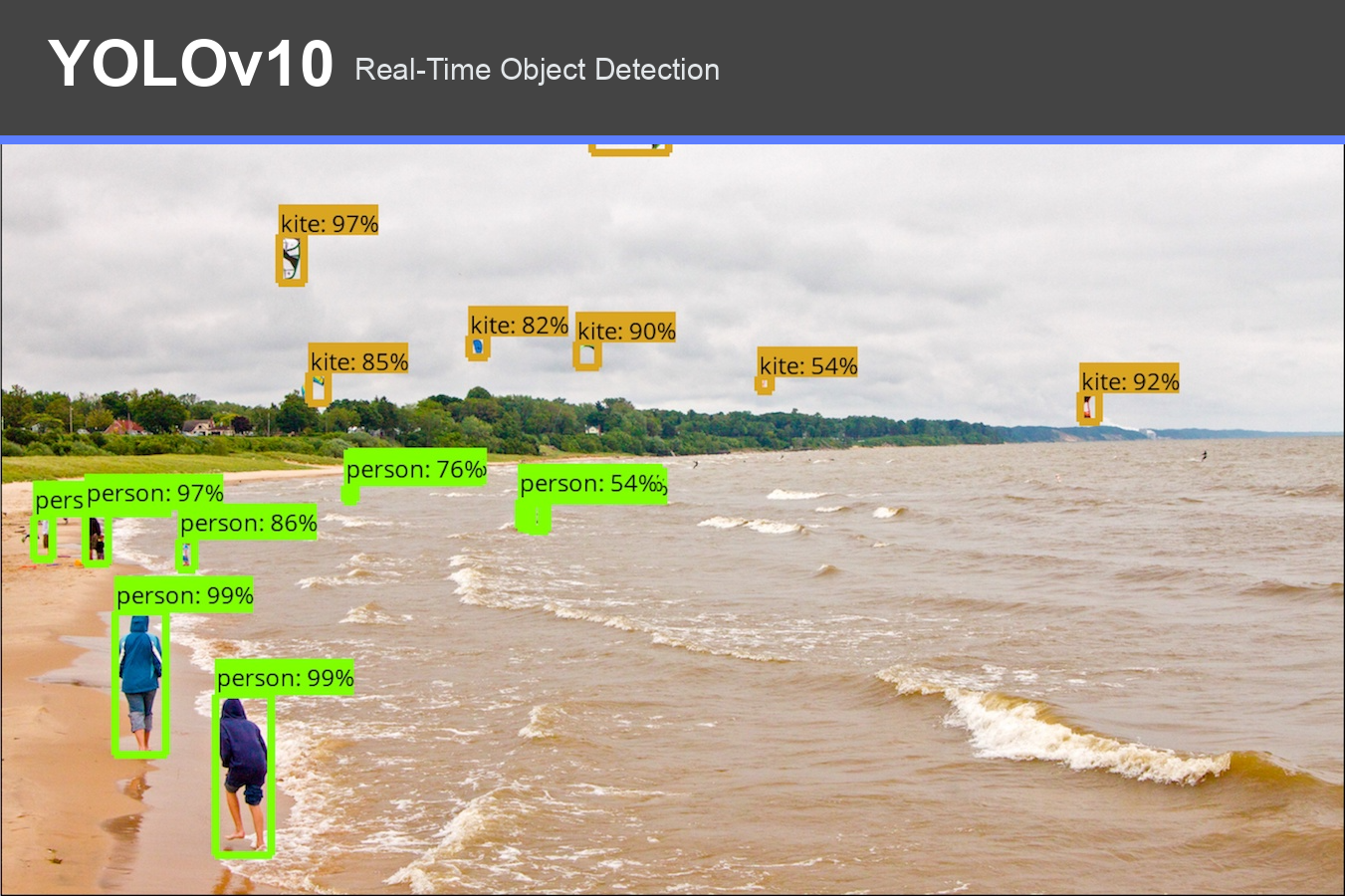
Detected objects are drawn directly on the video canvas. While recording, the toolkit stores one row per detected object, including timing, frame number, tag count, class, confidence score, and bounding box geometry.
Results
The run page follows the toolkit's standard workflow. Users can run live detection from the webcam, record a session, tag moments, upload a video, view a session overview, and download both the captured video and prediction CSV. The confidence threshold is configurable from the settings panel.
References
- YOLOv10 source: https://github.com/THU-MIG/yolov10
- ONNX model: https://huggingface.co/onnx-community/yolov10n
- ONNX Runtime Web: https://onnxruntime.ai/docs/tutorials/web/